
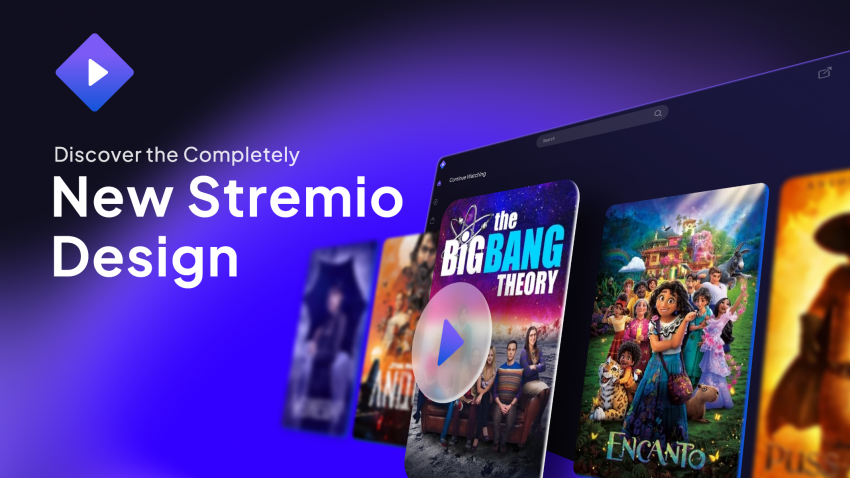
Stremio is a modern media center that gives you the freedom to watch what you want, with 4K HDR support, across all your devices. Install it, log in, add a few addons, and your library is ready. This page lists the free addons I use and shows how to set everything up in a few minutes.
How does Stremio work?
Once you install Stremio on your device and create an account, visit the addon catalog and install the addons you want. After that, head to the Discover or Board sections to start exploring. Stremio provides no content itself, so the more addons you install, the more you can find.
Streaming Addons
Open the page to configure and install.
Open the page to configure and install.
Open the page to configure and install.
Open the page to configure and install.
Open the page to configure and install.
Open the page to configure and install.
Open the page to configure and install.
Subtitle & Catalog Addons
How to Set Up Your Account
- Open any web browser and go to the Stremio portal.
- Click here to log in or register a new account.
-
Once logged in, your home dashboard will look like this:
- On the left navigation panel, click the Addons icon (puzzle piece).

Not ready to sign up? Stremio also has a Guest mode that collects no data, but you can't sync your library across devices in that mode.
How to Install Addons
- Click on any of the addon links listed above.
-
A pop-up prompt will appear asking to install the addon:
- Click Install to complete setup.

Tip: To confirm your addons are running, head to the My Addons tab in the sidebar menu. Happy streaming! 🍿
Available On
📱 Android
📺 Android TV
🪟 Windows
🍎 macOS
🐧 Linux
📡 LG & Samsung TV
iPhone and iPad: use Stremio Web, though it has more limited functionality.
FAQ
Is Stremio safe?
Stremio is open-source, so its code can be audited. Its addons don't run any code locally on your device.
Does Stremio provide content?
No. The content you find depends on the addons you install.
Can I cast to my TV?
Yes, Chromecast is supported from the desktop and Android apps.
Can I watch offline?
Offline downloads are an upcoming feature, but you can enable caching in Settings to watch later.
Can it play magnet links?
Yes. It also plays normal HTTP links and torrent files (drag and drop).
Nothing works, help!
First check that you've installed addons. Still stuck? Visit the help center.
Before You Install
The addons above are made by third parties and are not part of Stremio. Stremio provides no content itself.
Use at your own risk. You are responsible for what you watch, so follow the laws in your country and support creators where you can.